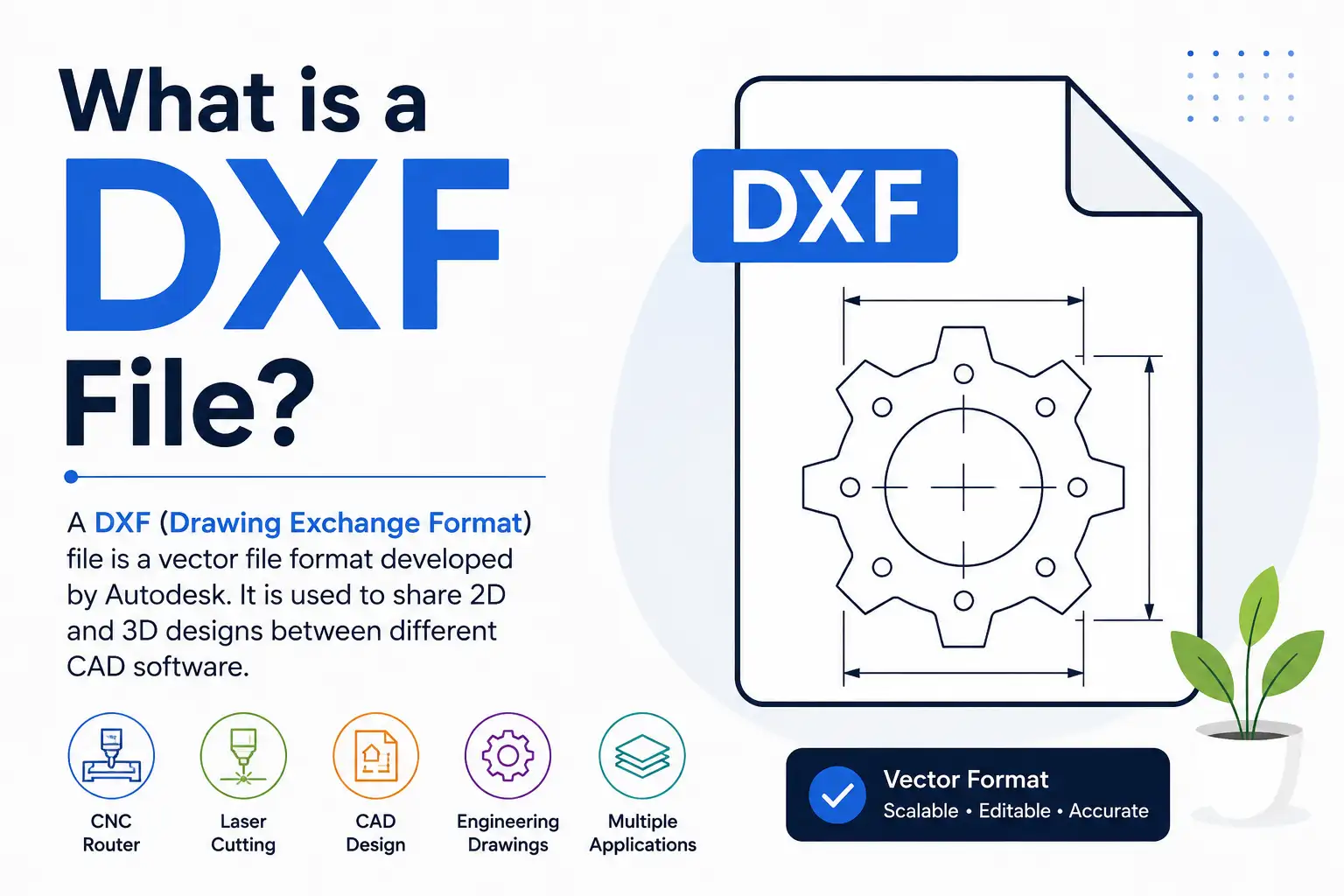
What is a DXF File?
A DXF (Drawing Exchange Format) file is a vector-based file format developed by Autodesk. It was created to allow CAD drawings to be shared between different design software without losing precision or quality.
Unlike JPG or PNG images, DXF files contain mathematical vector paths instead of pixels. This makes them ideal for CNC routers, laser cutting machines, plasma cutters, engraving machines, and CAD applications.
DXF files are one of the most widely supported file formats in the CNC and manufacturing industry.
What Does DXF Stand For?
DXF stands for Drawing Exchange Format.
It was introduced by Autodesk to make it easier for engineers, designers, and manufacturers to exchange drawings between different CAD software.
Why is DXF File Important?
DXF files are preferred because they provide:
- High precision vector paths
- Excellent compatibility
- Easy editing
- Accurate measurements
- Machine-ready cutting paths
- Cross-platform support
This makes DXF one of the best formats for manufacturing.
Where are DXF Files Used?
DXF files are commonly used in:
- CNC Router Machines
- Laser Cutting Machines
- Plasma Cutters
- Woodworking Projects
- MDF Craft Designs
- Acrylic Cutting
- Metal Fabrication
- Furniture Design
- Interior Decoration
- Architectural Drawings
- Mechanical Engineering
Advantages of DXF Files
1. High Accuracy
DXF stores exact vector paths, ensuring every cut is precise.
2. Scalable Without Quality Loss
Resize the design without becoming blurry.
3. Compatible with Most Software
Almost every CAD and vector software supports DXF.
4. Perfect for CNC Machines
Most CNC routers and laser machines can directly import DXF files.
5. Easy to Edit
Designs can be modified quickly whenever needed.
Software That Supports DXF Files
Popular software includes:
- AutoCAD
- CorelDRAW
- Adobe Illustrator
- Inkscape
- LightBurn
- Fusion 360
- SolidWorks
- FreeCAD
- DraftSight
- Aspire Vectric
| DXF | SVG |
|---|---|
| Best for CAD | Best for Graphic Design |
| CNC Compatible | Laser Compatible |
| Engineering Drawings | Web Graphics |
| Technical Projects | Decorative Designs |
| CAD Software | Vector Software |
Can You Convert DXF Files?
Yes.
DXF files can easily be converted into:
- SVG
- AI
- EPS
- CDR
- DWG
using popular design software.
Is DXF Better Than JPG?
Absolutely.
JPG images are made from pixels and lose quality when enlarged.
DXF files use vectors, so they remain perfectly sharp at any size.
Best DXF Files for CNC Projects
Popular DXF design categories include:
- Mandala Designs
- Temple Designs
- Name Plate Designs
- Tree of Life
- Wall Art
- Jali Panels
- LED Lamps
- Animal Designs
- Decorative Frames
- Clock Designs
Conclusion
DXF is one of the most reliable and widely used vector file formats for CNC routers, laser cutting machines, and CAD software. Because it preserves precision, supports multiple design applications, and works with most manufacturing machines, it remains the preferred choice for professionals and hobbyists alike.
If you’re looking for premium DXF files, explore our growing collection of CNC and laser cutting designs at Floral Vector.