If you work with graphic design, laser cutting, printing, or CNC files, you may have seen a file ending with “.CDR”. Many beginners get confused about what it actually is and how to open it.
A CDR file is a design file created in CorelDRAW. The full form of CDR is CorelDRAW Image File. It is mainly used for vector graphics such as logos, banners, laser cutting designs, illustrations, visiting cards, and print materials.
Why CDR Files Are Popular
CDR files are popular because they keep designs fully editable. You can change:
- Text
- Colors
- Shapes
- Size
- Layers
The biggest advantage is that vector designs do not lose quality when resized. Whether you make a small logo or a large banner, the design stays sharp and clear.
Where CDR Files Are Used
CDR files are commonly used in:
- Graphic designing
- CNC cutting
- Laser cutting
- Printing shops
- Sign board making
- Sticker and vinyl cutting
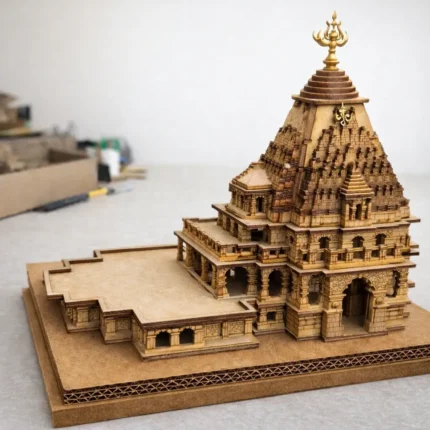
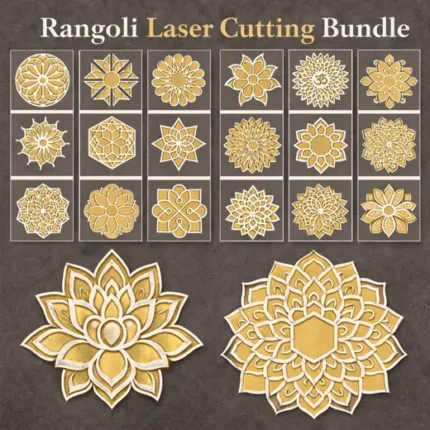
Many designers also use CDR files for temple models, mandir designs, wall art, and decorative laser cutting projects.
How to Open a CDR File
The best software to open a CDR file is CorelDRAW itself. However, some other programs can also open or import CDR files, including:
- Adobe Illustrator
- Online file converters
- Some vector editing software
If you do not have CorelDRAW, you can convert the file into SVG, PDF, PNG, or DXF format.
Difference Between CDR and JPG
A JPG file is a normal image, while a CDR file is an editable vector design file.
- JPG → Fixed image
- CDR → Editable design
That is why professionals prefer CDR files for printing and cutting work.
Final Words
CDR files are very important in the design and printing industry. If you create laser cutting files, logos, or printable artwork, learning about CDR files can make your work easier and more professional.
For beginners, CorelDRAW is one of the best tools to start vector designing and editing CDR files.